
Web Design & SEO
Web Design Naples: What a Small-Business Website Needs
Published By FLTECHS Team
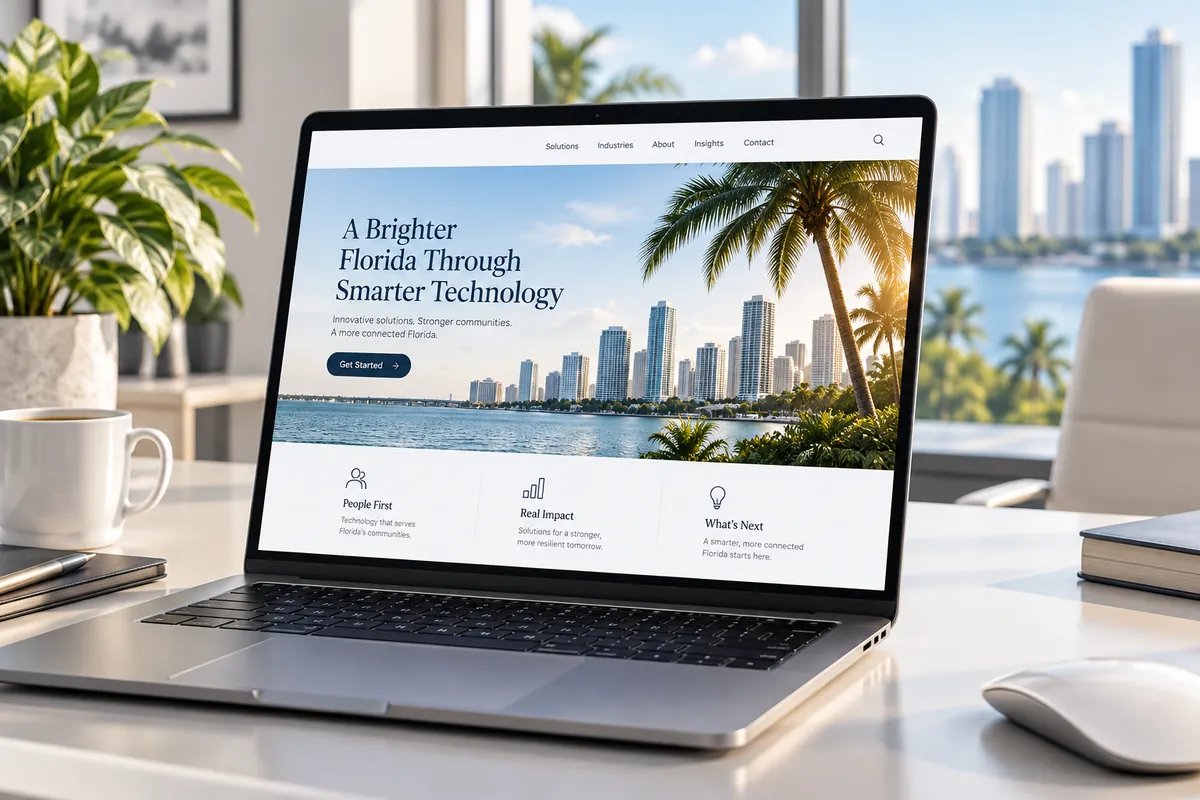
Web design Naples business owners invest in should do more than look polished. A useful small-business website should explain what you do, make it obvious where you serve, load well on phones, support local search, connect cleanly with your Google Business Profile, and give visitors a clear next step. The same fundamentals apply to companies competing in Miami-Dade, Fort Myers and Lee County.
If a visitor has to hunt for your phone number, location, service area or reason to trust you, the design is working against the business.
Web Design Naples Businesses Should Build Around Local Intent
A local website has a different job from a national media site. Most prospective customers are trying to answer a short list of questions quickly:
- Do you provide the service I need?
- Do you serve my city or neighborhood?
- Can I trust this company?
- Can I understand the offer without calling first?
- How do I contact or book you?
- Does the site work well on my phone?
That means the website structure should begin with customer intent, not animations or trendy effects.
A Naples service company might need strong pages for Naples and nearby service areas. A Miami professional office may need pages that clearly explain specialties, languages and locations. A company serving both coasts may need a broader service-area structure without copying the same paragraph onto dozens of thin pages.
1. A Clear Home Page That Says What You Do and Where
The first screen should tell a visitor what the company does and who it serves.
Avoid vague headlines such as “Solutions for Your Future” unless the next line immediately explains the service. Local visitors should not need to infer whether you are an IT company, dentist, roofer, law firm or web agency.
A strong home page usually includes:
- A specific value proposition
- Primary services
- Main service area
- A visible call or contact action
- Proof points that are factual and verifiable
- Links to deeper service pages
- A concise explanation of what makes the company different
If you serve bilingual customers, offer the language experience intentionally. Do not rely on a visitor to guess whether Spanish support is available.
2. Dedicated Service Pages Instead of One Giant Services List
A page called “Services” with ten short paragraphs rarely answers the detailed questions someone asks before hiring.
Give important services their own pages so each page can explain:
- What the service is
- Who it is for
- Common problems it solves
- What the process looks like
- Relevant local considerations
- Frequently asked questions
- How to contact the business
This also gives search engines a clearer page to evaluate for a specific query.
For example, an IT company can have separate pages for managed IT, business VoIP and web design rather than asking one page to rank for every service.
3. Local SEO That Matches the Real Business
Local SEO is not repeating “Naples” or “Miami” in every sentence.
Google says local results are mainly based on relevance, distance and prominence. Its Google Business Profile local ranking guidance also recommends keeping business information complete and accurate.
Your website should support those signals with truthful information:
- Consistent business name, address and phone information
- Clear service areas
- Accurate hours
- Service pages that explain what the business actually offers
- Location information where customers genuinely visit or where the business legitimately serves
- Useful local content when there is a real local reason for it
- Internal links that help visitors move between services and locations
Do not create fake offices or keyword-stuffed city pages. A local strategy should reflect how the business operates in the real world.
4. A Google Business Profile That Agrees With the Website
Your Google Business Profile and website should tell the same story.
Check that key information matches:
- Business name
- Primary phone number
- Website URL
- Address or service-area setup
- Hours
- Main service categories
- Services
The website should also make it easy for users coming from Maps to complete the next action. If someone taps through from a mobile search, they should immediately find a call button, booking path, directions or contact form that works.
Google notes that complete and accurate Business Profile information can help a business appear for relevant local searches. Reviews and links can also contribute to prominence, but there is no legitimate way to pay Google for a better organic local ranking.
5. Mobile Design That Is Truly Designed for Phones
A desktop site that merely shrinks is not a finished mobile experience.
Google uses the mobile version of content for indexing and ranking, a system described in its mobile-first indexing best practices. Google recommends responsive design and emphasizes keeping important content and metadata available on mobile.
For a local business site, test the phone experience manually:
- Can the navigation be used with one hand?
- Are buttons large enough to tap?
- Does the phone number work as a tap-to-call link?
- Are forms short and usable?
- Does important text wrap cleanly?
- Are images cropped correctly?
- Do sticky buttons cover content?
- Are service cards readable without horizontal scrolling?
- Does the site avoid layout shifts while loading?
A mobile visitor may be standing in a parking lot, comparing providers between appointments or calling during an urgent problem. The site should respect that context.
6. Speed and Core Web Vitals
A beautiful site that feels slow can lose attention before the design gets a chance to work.
Google’s Core Web Vitals guidance measures real-world loading performance, responsiveness and visual stability. Google recommends aiming for good Core Web Vitals as part of providing a strong page experience.
The current Core Web Vitals thresholds Google highlights include:
- Largest Contentful Paint within 2.5 seconds
- Interaction to Next Paint under 200 milliseconds
- Cumulative Layout Shift under 0.1
Those numbers are useful targets, but do not chase a perfect score while ignoring the customer journey.
Common speed problems on small-business sites include:
- Oversized hero images
- Too many third-party scripts
- Auto-playing video
- Heavy animation libraries
- Unoptimized fonts
- Large tracking stacks
- Poor image formats
- Unnecessary plugins
The goal is a site that feels immediate on ordinary mobile connections, not just on the designer’s computer.
7. Clear Conversion Paths
Every important page should make the next step obvious.
Depending on the business, that may be:
- Call now
- Request an estimate
- Book an appointment
- Schedule a consultation
- Send a message
- Visit the office
- Start an online form
Do not force every visitor through the same path. Someone ready to call should not have to complete a form first.
For service businesses, place the primary call to action near the top and repeat it naturally after the visitor has learned enough to make a decision.
8. Trust Signals That Can Be Verified
Trust matters locally because customers may compare only a few businesses before contacting one.
Useful trust elements can include:
- Real staff or facility photos
- Professional licenses when relevant
- Industry certifications
- Service-area information
- Clear privacy and contact information
- Real customer reviews displayed with permission
- Links to established third-party profiles
- Case studies with factual details
- A clear About page
Avoid invented counters, fake awards or unsupported claims such as “number one in Naples.” If you cannot prove it, do not design the website around it.
9. Analytics That Answer Business Questions
Traffic alone is not the outcome.
Set up analytics so the business can understand actions such as:
- Phone link clicks
- Contact form submissions
- Appointment requests
- Quote requests
- Visits to high-value service pages
- Traffic from Google Business Profile
- Organic search landing pages
That information helps you improve the site based on customer behavior rather than personal preference.
For phone-heavy businesses, make sure tracking does not create confusion around the company’s primary number or local listings.
10. A Maintenance Plan After Launch
Websites are not finished forever on launch day.
Plan for:
- Content updates
- Plugin or platform updates where applicable
- Form testing
- Broken-link checks
- Search Console review
- Core Web Vitals monitoring
- Business Profile updates
- New service or location pages when the business genuinely expands
- Security and backup responsibilities
Ownership should be clear. Know who controls the domain, DNS, hosting or platform account, analytics and Google Business Profile.
If your website and phone system are both part of the lead path, make sure they agree on the numbers being advertised. Our business VoIP guide explains what to check before moving business numbers.
What Should You Ask a Web Designer Before Hiring?
Ask questions that connect the design to business outcomes:
- How will you structure the site for our services and cities?
- Who writes or approves the copy?
- How will local SEO be handled?
- Will the site be responsive at desktop, tablet and phone sizes?
- How do you test page speed?
- Who sets up analytics and Search Console?
- How will forms be delivered and tested?
- Who owns the domain and website accounts?
- How are updates handled after launch?
- Can the site support English and Spanish content if we need it?
The answers should be understandable before you sign a contract.
Frequently Asked Questions
How many pages does a small-business website need?
There is no universal number. Most businesses need a strong home page, individual pages for important services, About and Contact pages, plus location or resource pages when they provide real value.
Does a Google Business Profile replace a website?
No. The Business Profile can help customers find you in Google Search and Maps, while the website gives you more space to explain services, build trust, answer questions and convert visitors.
Is website speed really important for local SEO?
Speed is part of the overall page experience. Google recommends good Core Web Vitals, but relevance and useful content still matter. Optimize speed for users, not just for a score.
Should a Naples business create separate pages for Miami?
Only if the business genuinely serves Miami and can provide useful, distinct information for that market. Do not create fake location pages solely to repeat keywords.
A local website should make it easier for the right customer to find, understand and contact the business. FLTECHS builds web design and automation for Florida companies that need a site connected to local search and real lead generation.