
VoIP & Telecom
Business VoIP Miami and Naples: What Businesses Should Know
Published By FLTECHS Team
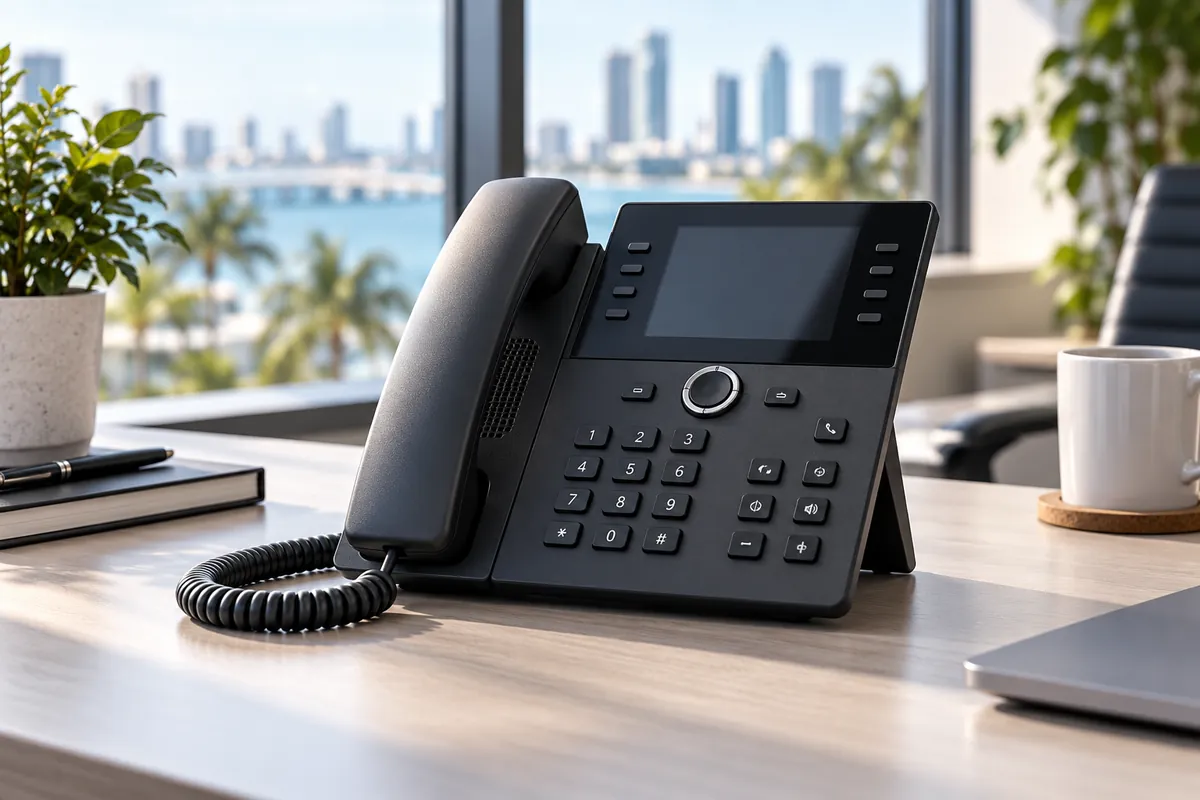
Business VoIP Miami buyers should look beyond the monthly phone bill. A good business phone system should keep calls organized, let employees work from more than one location, preserve important phone numbers, support emergency calling correctly, and have a plan for internet or power interruptions. For companies in Miami-Dade, Naples, Collier County, Fort Myers and Lee County, storm readiness and mobile failover deserve the same attention as features such as auto attendants and voicemail.
Business VoIP Miami and Naples Businesses Can Actually Rely On
Voice over Internet Protocol, usually called VoIP, carries voice calls over an IP network instead of relying only on a traditional analog telephone line. In a business system, that can connect desk phones, desktop applications and mobile apps to the same company number and call flow.
The FCC explains VoIP as a service that converts voice into digital signals that travel over the internet. That flexibility is useful, but it also changes what a business needs to plan for. The FCC notes that some VoIP services may not work during a power outage and that backup power may not be provided automatically.
For a Florida business, the right question is not simply, “Is VoIP better?” It is, “Is this VoIP system designed around how our company actually answers calls, works during interruptions and serves customers?”
What a modern business phone system should do
A well-designed system can bring several functions together:
- Main business numbers and direct numbers
- Auto attendants and department menus
- Ring groups and call queues
- Business-hours and after-hours routing
- Voicemail and voicemail-to-email
- Desktop and mobile calling
- Call transfer between locations
- Caller ID management
- Business texting when the provider and campaign setup support it
- Call reporting and administrative controls
The exact features matter less than whether the call flow matches the business. A medical office, law firm, restaurant group and service company may all need very different routing even if they use the same underlying VoIP technology.
Start With the Calls Your Business Cannot Afford to Miss
Before choosing a provider, map what happens to a call from the moment someone dials your main number.
Ask practical questions. Who should answer first? What happens if nobody answers? Which departments need separate queues? Should calls ring a front desk, several people, or a mobile app? What happens after hours? What should happen during an internet outage?
This planning is especially important for companies with offices in both Southeast and Southwest Florida. A business might have a Miami office, a Naples office and employees working from home. The phone system should make those locations feel like one organization to the caller rather than three disconnected phone systems.
For customer-facing teams, bilingual routing can also matter. If your company regularly serves English- and Spanish-speaking customers, the auto attendant, prompts and queue design should make it easy for callers to reach the right person without adding unnecessary menu layers.
Protect Your Existing Business Numbers
Your phone number may be printed on vehicles, signs, websites, business cards, invoices and Google Business Profile listings. Losing it during a provider change can create a much larger problem than changing phone hardware.
The FCC says number portability can allow customers to keep an existing number when switching among wireline, IP and wireless providers in the same geographic area. Its number-porting guidance specifically notes that porting can occur between wireline, IP and wireless providers.
Before migration, confirm:
- Every number that must be moved
- The current carrier account information
- The authorized business name
- The service address on the current account
- Any PIN or porting information the losing provider requires
- Which numbers receive voice, fax or text messages
- Which number should appear as outbound caller ID
Do not disconnect the old service before the port is complete. A careful provider should build the new call flow first, test it, and coordinate the number move so the business is not improvising on cutover day.
Treat 911 as a Configuration Requirement, Not a Checkbox
Emergency calling is one of the most important differences between a cloud phone system and an old assumption that every desk phone is permanently tied to one physical line.
The FCC’s VoIP guidance explains that interconnected VoIP providers have emergency-calling obligations and that location information matters. Businesses using phones at multiple offices or remote locations should understand how their provider handles registered or dispatchable location information.
When evaluating a system, ask:
- How is the emergency location assigned to each number or device?
- What happens when a phone is moved to another office?
- How are remote users handled?
- Who is responsible for keeping location information current?
- Is there a documented process for testing changes without making an improper 911 test call?
If employees frequently move between Miami, Naples, Fort Myers and home offices, this should be part of onboarding and offboarding, not something remembered only after a move.
Design for Internet and Power Interruptions
VoIP depends on networking, so resilience needs to be designed into the system. That does not mean VoIP is inherently unreliable. It means the business should decide what happens when a dependency fails.
A practical continuity design can include:
- Battery backup for network equipment and phones
- A secondary internet connection where the business impact justifies it
- Cellular failover for critical connectivity
- Automatic rerouting of inbound calls
- Mobile apps that can work away from the office network
- Cloud-managed call flows that can be changed remotely
- Written instructions for the person responsible during an outage
The Ready.gov business preparedness guidance specifically includes communications planning, IT recovery and continuity planning as parts of emergency preparation.
For a deeper Florida checklist, see our hurricane technology preparedness guide.
Ask Who Owns the Network Problem
One common frustration with business communications is the blame loop. The phone provider says it is the internet. The internet provider says the circuit is fine. The IT company says the phones are someone else’s problem.
Before hiring a VoIP partner, ask who will troubleshoot the full path when call quality is poor. Business voice depends on the local network, firewall, switching, Wi-Fi design, internet connection, handset or app, and the voice provider itself.
A provider that also understands managed networking can usually investigate more of that chain instead of stopping at the phone platform.
That matters in offices where employees report symptoms such as:
- Choppy audio
- One-way audio
- Calls dropping at predictable intervals
- Delayed ringing
- Phones that lose registration
- Mobile apps that behave differently on Wi-Fi and cellular data
The solution should be diagnosis, not guessing.
Compare Support and Administration Before Features
A feature list can look impressive while the daily administration is difficult.
Ask to see how the system handles routine changes:
- Adding a user
- Changing business hours
- Updating an auto attendant
- Forwarding a number temporarily
- Changing outbound caller ID
- Accessing voicemail
- Reviewing call history
- Adding a new office
- Removing a former employee
Also ask what the support process looks like when a problem affects the whole company. If there are escalation paths, service commitments or after-hours options that matter to your business, get them in writing.
What Should a Miami or Naples Business Ask a VoIP Provider?
Use these questions during a sales call:
- Can we keep all of our existing business numbers?
- How do you handle porting and cutover?
- How is 911 location managed for office and remote users?
- What happens to inbound calls if our office internet goes down?
- Can employees answer the business line from a mobile app?
- Can different offices share extensions and call flows?
- Can we support English and Spanish caller paths?
- Who troubleshoots local network issues that affect voice quality?
- How are updates, security and account permissions managed?
- Can we change call routing remotely during a hurricane or evacuation?
Those questions reveal more than a long feature checklist because they show how the provider thinks about real operations.
Frequently Asked Questions
Does business VoIP work if the internet goes down?
The desk phones at an affected office may lose service if they depend on that connection, but a properly designed cloud system can route calls to another office, mobile app or alternate number. The exact behavior depends on the provider and configuration.
Can I keep my existing Miami or Naples phone number?
In many cases, yes. The FCC’s portability rules support moving eligible numbers between providers, including interconnected VoIP services. A provider should verify each number before promising a port.
Is VoIP good for a business with multiple locations?
It can be a strong fit because users, extensions and call flows can be managed across locations. The important part is designing permissions, routing, internet redundancy and emergency-location settings correctly.
What should I fix before switching to VoIP?
Review your firewall, switches, internet reliability, power backup, cabling and Wi-Fi coverage. Also document every number and existing call flow before porting.
A phone system should make the business easier to reach, not create another technology silo. FLTECHS helps Florida companies plan, deploy and support business VoIP around the network and workflows that already run the business.